 Convert Units Calculator
Every unit.
One tap. Zero clutter.
Type a number once and read it in every unit that matters — the big answer up top, the whole category right below. 140 units across 19 categories, converting as you type, working offline, one tap to copy. The built-in keypad even does the arithmetic.


Other conversions
From teaspoons to terabytes.
Metric, imperial and US customary, side by side — the units you actually use, none of the ones you don't.
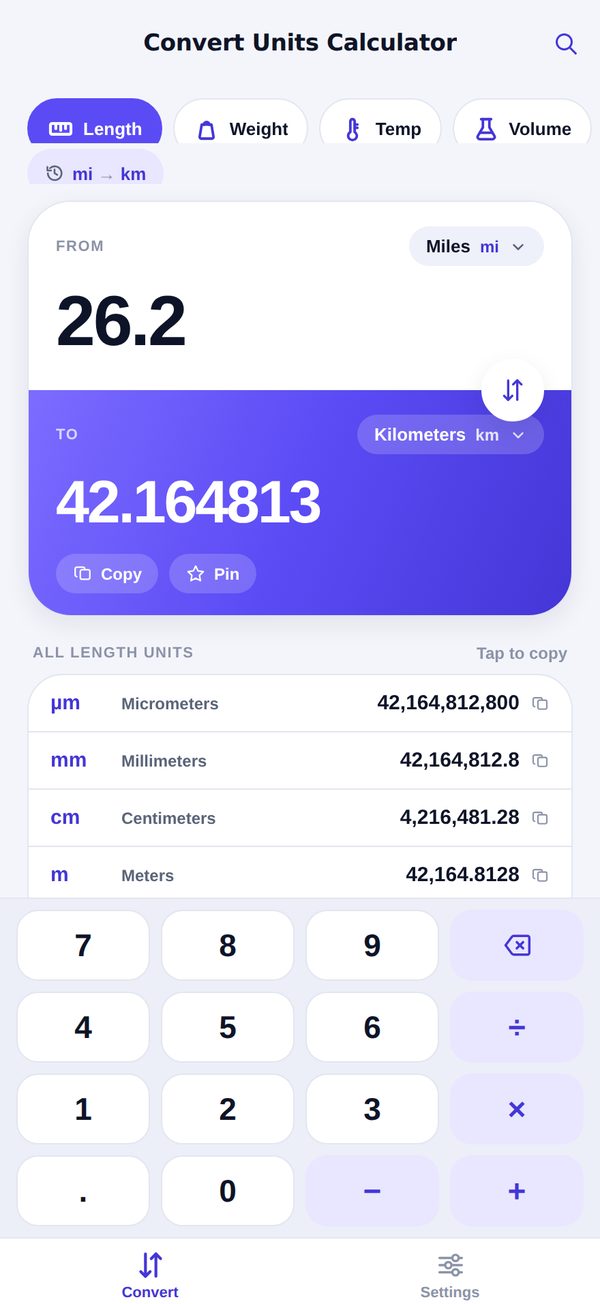
The result you asked for — and the rest of the category.
26.2 miles is 42.16 kilometres. It's also 138,336 feet and 22.77 nautical miles, if you were wondering — every other unit in the category is worked out below the result, so a follow-up question never means another round trip.
- Results update on every keystroke — no Convert button
- Swap flips from and to in one tap
- Tap the big result — or any row — to copy it
- Commas welcome: "1,609.344" parses just fine — so does "1.609,344"
- Type arithmetic straight in: 12*3.5 converts 42
- Recipe fractions read and write: 1 1/2 cups in, 2 1/8 cups out
- Pin the pairs you use; they sit one tap away at the top
- Extreme results switch to scientific notation, not "0"
Small app. Fast answers.
One converter screen that does everything, in light and dark. That's the whole app, on purpose.
Oven math, handled
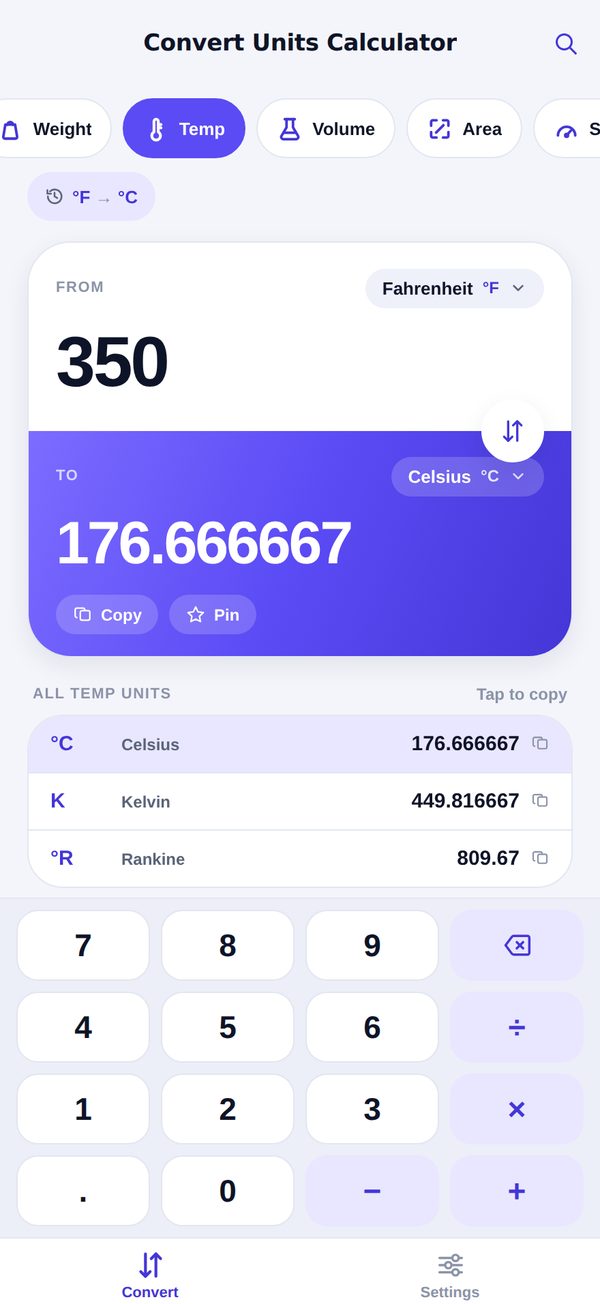
350 °F is 176.67 °C — and 449.82 K, since the list keeps score.
Cups to grams, properly
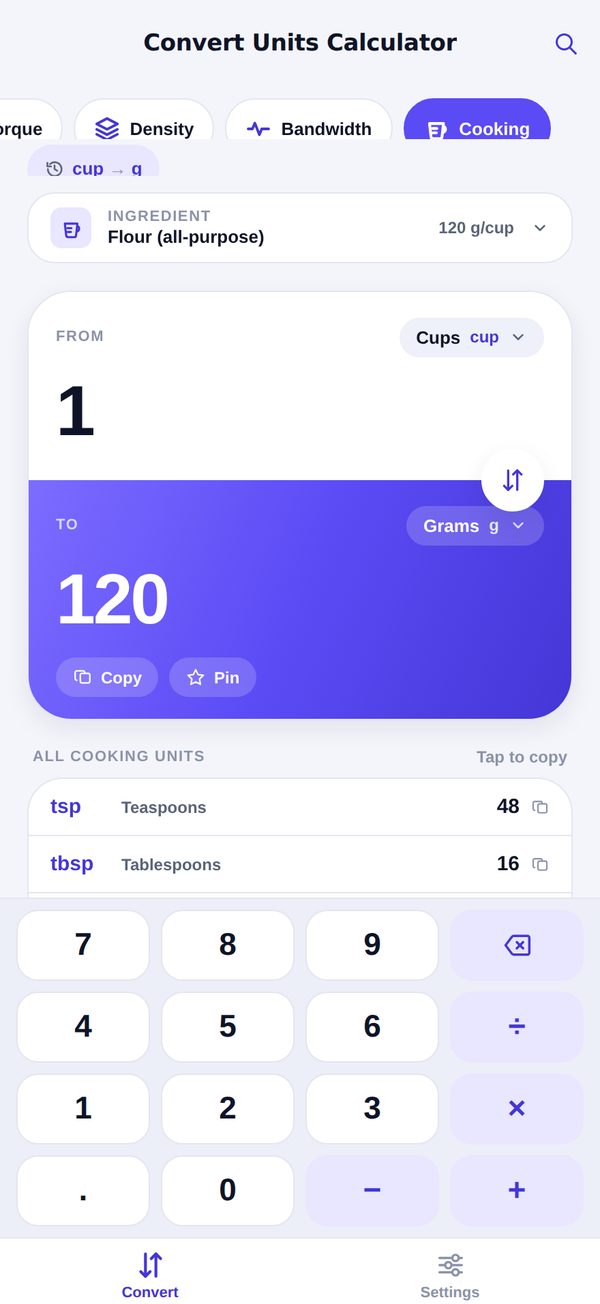
A cup of flour is 120 g, a cup of honey 336 g. Pick the ingredient — and get cups back as 2 1/8, not 2.083333.
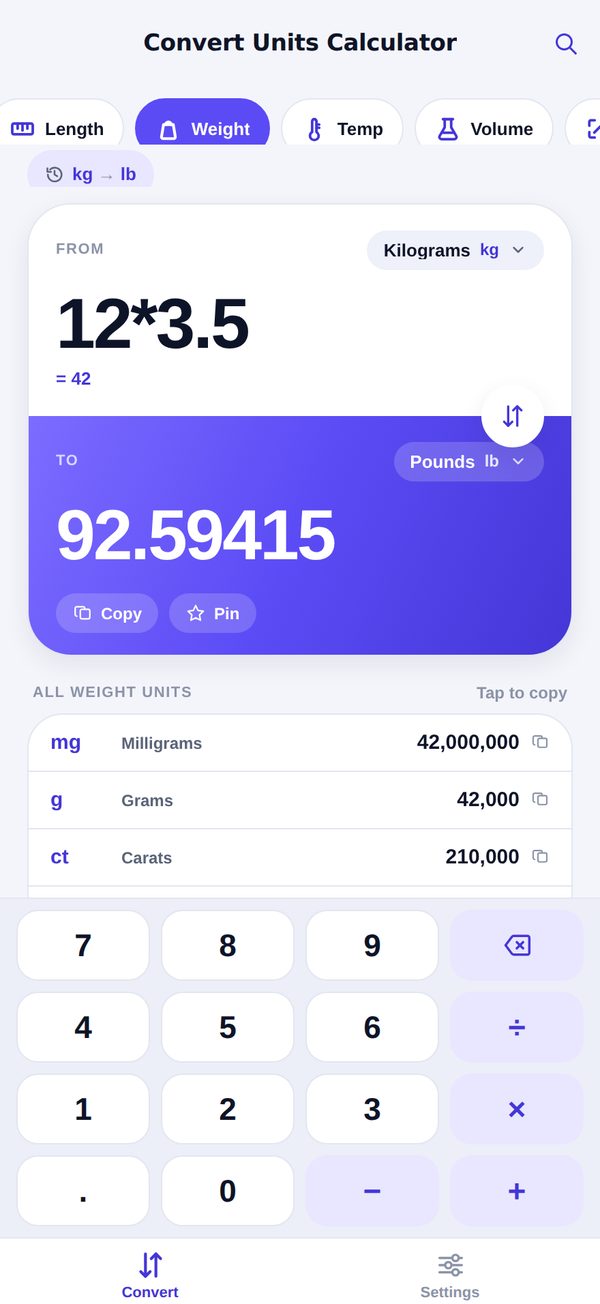
Math, right in the field
Type 12*3.5 and it converts 42. The keypad carries + − × ÷, so you never leave for a calculator.
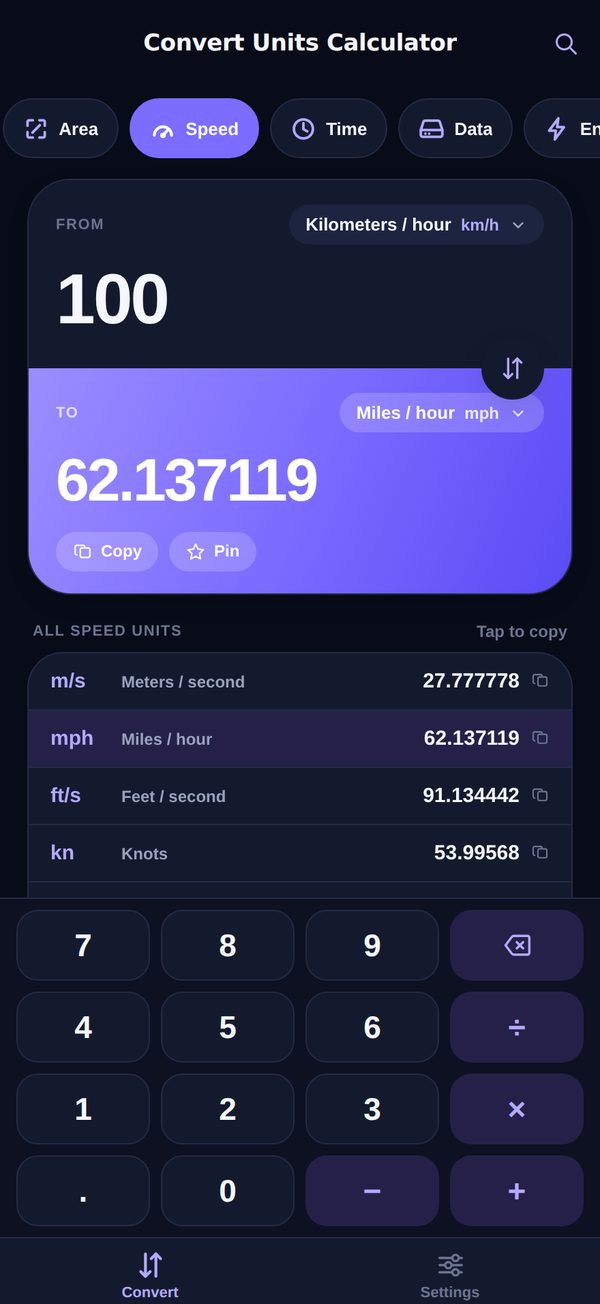
Dark mode included
Follows your system automatically — deep navy, same speed.
Everything loads before you finish typing.
Instant, as you type
No Convert button, no spinner. Every keystroke recalculates the whole category.
Swap in one tap
Going the other way? Flip from and to instantly — the answer follows.
Tap to copy
The big result or any row lands on your clipboard, formatted and paste-ready.
Works offline
Fixed standard factors, computed on the device. Airplane mode changes nothing.
Dark mode
Follows your system appearance — bright by day, deep navy after hours.
Nothing to set up
No account, no sign-in, no onboarding tour. Open it, type, done.
The short answers.
What can it convert?
Nineteen categories, 140 units: cooking (cups, tablespoons and teaspoons to grams and ounces for 26 ingredients), length (micrometres to nautical miles), weight (mg to US tons, carats included), temperature (°C, °F, K, °R), volume (teaspoons to cubic metres, US and UK measures), area (mm² to square miles, hectares and acres included), speed (m/s to Mach), time (microseconds to years), digital storage (bits to petabytes, with the binary KiB/MiB/GiB sizes), energy (joules to BTU), pressure (pascals to inHg), fuel economy (L/100km, km/L, mpg US and UK), power (watts to horsepower), angle, frequency, force, torque, density and data transfer rate.
Does it work offline?
Yes. Every conversion is computed on your device from fixed, standard factors — no connection needed, ever. That's also why there's no currency tab: exchange rates go stale, physics doesn't.
Is it free?
Yes. Every category and every unit is free, and the app shows a single banner ad via Google AdMob to keep it that way. There is one optional in-app purchase — Convert Pro — which removes the ad, lifts the cap on pinned conversions and unlocks 2 to 10 decimal places. It is a one-time purchase, not a subscription, and it never locks up a conversion. On iOS you may see one App Tracking Transparency prompt; declining just means non-personalized ads.
How accurate is it?
Conversions use exact standard factors — 1 mile is 1,609.344 meters, 1 pound is 0.45359237 kilograms — shown to six decimal places. Extremely large or tiny results switch to scientific notation instead of rounding to zero.
Can I copy results?
Yes — tap the big result, or any row in Other Conversions, and it's on your clipboard ready to paste into a message, a doc or a spreadsheet.
Phone or tablet?
Both. It runs on iPhone, iPad and Android phones and tablets, in portrait, with full dark-mode support everywhere.
Stop googling the formula.
The next conversion takes three seconds, and the one after that is already on screen.
Free · works offline · no account